How to save in GTA 6: 15 slots, autosave and is there first-person?
GTA 6 saves from the pause menu, not a bed. We explain the 15 slots, when autosave kicks in, the first-person view, Jason's railing and where the game is set.
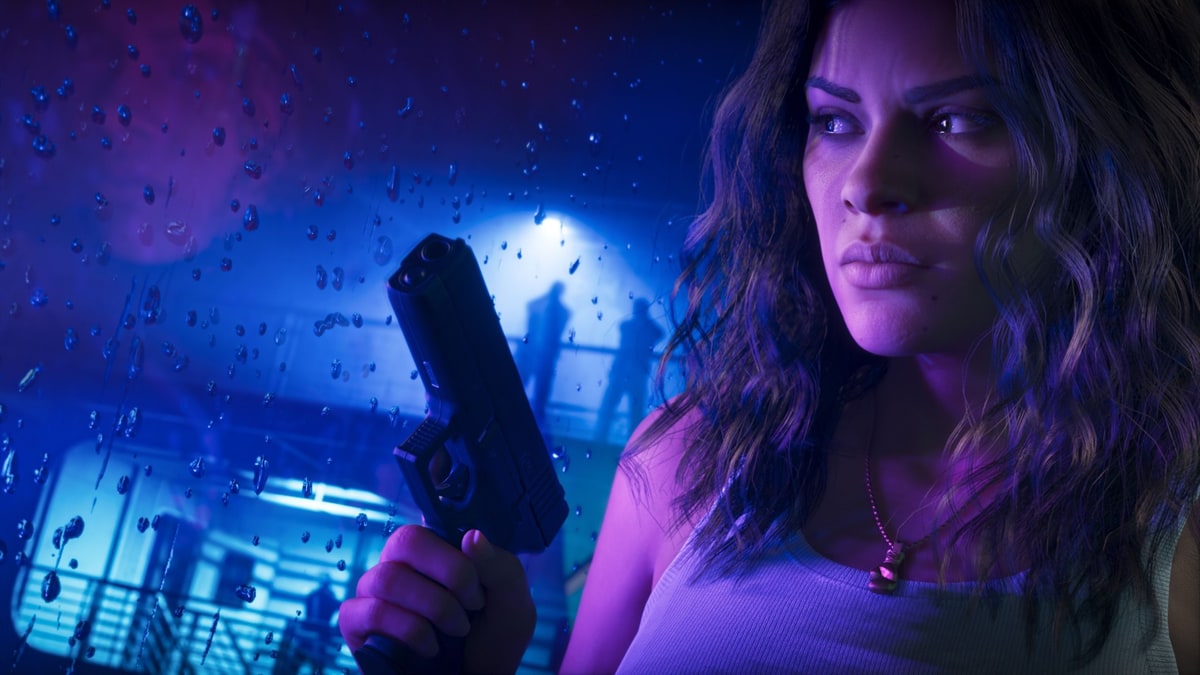
GTA 6 has been out for a day, and the most searched question in the UK overnight was not about the story. It was “how to save GTA 6”. The short answer: open the pause menu, go to Game, pick one of 15 slots and choose Save Game, according to guides from PC Gamer and GamesRadar.
Below are the answers to the other things players kept typing into Google on Wednesday night: first-person mode, that railing at Jason’s house and where the game is actually set.
How do you save in GTA 6?
There is no need to find a bed like in GTA 5. PC Gamer’s guide lists three steps:
- Open the pause menu
- Select Game
- Choose Save Game and pick a slot
Loading a save works from the same Game menu. GamesRadar says you can save at practically any time.
How many save slots does GTA 6 have?
Fifteen manual slots, both outlets say. GamesRadar adds that there is a hidden 16th slot used only for the autosave. Both suggest keeping one save at the start of each chapter, and GamesRadar suggests one at the end too.
That matters more than usual this time. As IGN reported, GTA 6 does not let you replay story missions from a menu, and GamesRadar counts close to 100 missions. Your own saves are the only way back to a scene you liked or a choice you want to try differently.
When does GTA 6 autosave?
According to GamesRadar, the autosave triggers after missions, when you get wasted or busted, and after a big encounter in the open world. It does not run all the time, so a long free-roam session can be lost if the game closes.
One warning from both guides: using cheats switches saving off. You have to quit and reload an older save before you can save again. PC Gamer notes cheats are not available early on, so new players do not need to worry yet.
For players in Pakistan, this is the part that counts. A power cut in the middle of a two-hour drive around Vice City takes everything since the last autosave with it. If your console is not on a UPS, save manually before you go exploring, and again before you switch it off.
Does GTA 6 have first-person mode?
Not a full one. Insider Gaming reported on 18 November that you cannot walk around in first person. Holding the left trigger (L2 or LT) and clicking the right stick gives you a close first-person look, but you cannot move in that view. The phone can also be shown from your character’s eyes, and that can be changed in settings.
Holding down on the d-pad cycles through three camera views, and the camera height can be set in the Camera section of the settings menu, the outlet said. Rockstar has not announced a full first-person mode, though GTA 5 got one years after launch.
How do you fix the railing in GTA 6?
The railing is one of five home improvements at Jason’s house. Eurogamer’s guide says it is on the balcony where Jason’s home gym is. Look for the paintbrush icon, follow the short button prompt and a cutscene shows Jason finishing the job.
The other four are fixing the bedroom wall panels near his bed, painting that wall (Tropical Green, Stormy Blue or Pastel Peach), fixing the front steps (planks at the bottom of the stairs) and fixing the leaky roof (ladder by the front door). Eurogamer says finishing all five changes the cutscene in the mission “Coming Home” when Lucia returns, with a warmer scene between the two.
Where is GTA 6 located?
The game is set in Leonida, Rockstar’s fictional version of Florida. Its main city is Vice City, based on Miami. The other regions are the Leonida Keys, Grassrivers (inspired by the Everglades), Port Gellhorn, Ambrosia and Mount Kalaga National Park, as PC Gamer’s map guide lists them.
GTA 6 is out now on PS5 and Xbox Series X and S. Rockstar has not given a date for a PC version.